
Retail & POS
Best POS Systems for Retail Businesses: A Buyer's Guide
By Everpay Payments Team, Payments infrastructure · · 7 min read
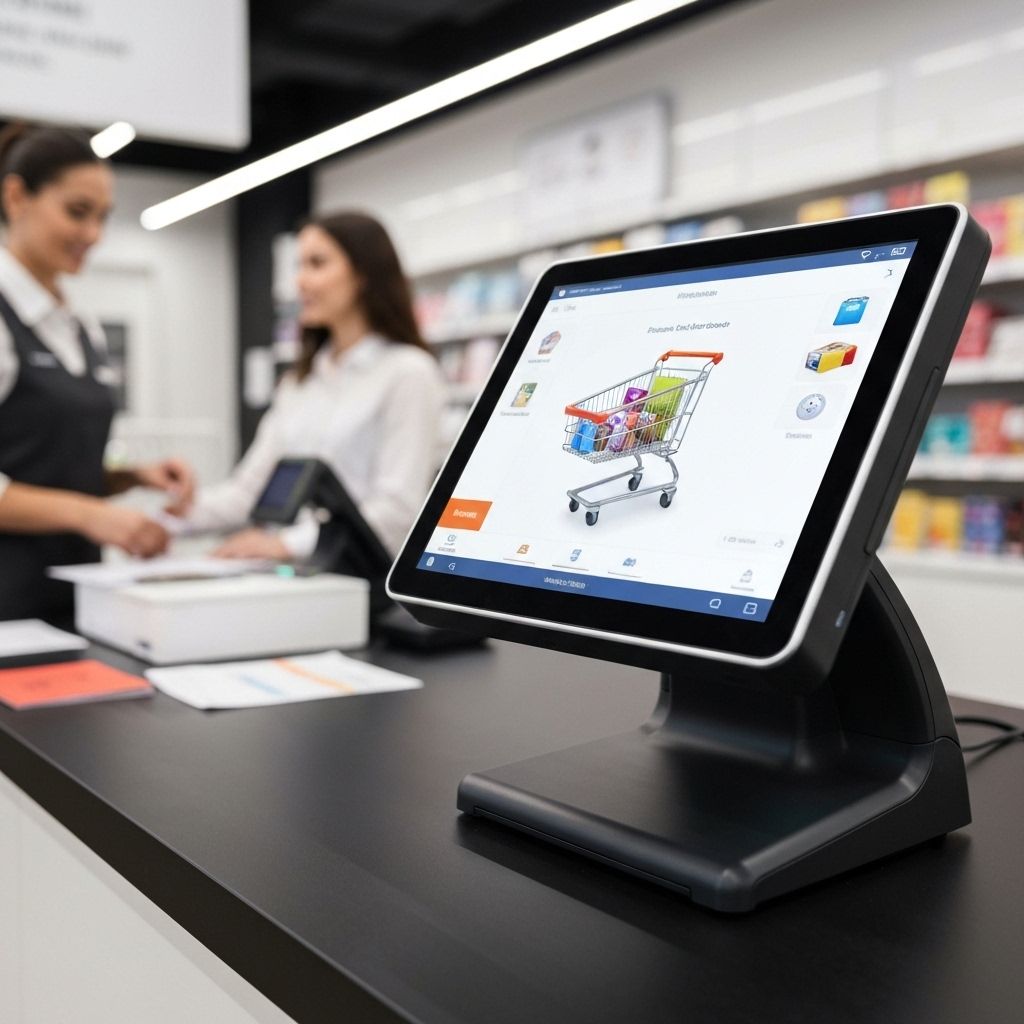
The short answer
The best POS system for a retail business combines reliable card-present payments, real-time inventory, omnichannel sales that sync with your online store, clear reporting and transparent pricing. Choose the system that fits your store format, scales with your locations and processes payments at competitive, predictable rates.
A retail POS is more than a card reader. It is the system that records every sale, updates stock, manages staff and customers, and feeds your accounting. Choosing badly means workarounds, double entry and stock mismatches; choosing well gives you a single view of the business.
What a modern retail POS includes
- Hardware: countertop or tablet terminals, mobile card readers, barcode scanners, receipt printers and cash drawers.
- Software: sales screen, discounts, returns, customer profiles, staff permissions and reporting.
- Payments: chip, contactless and wallet acceptance with secure, encrypted card data.
- Inventory: real-time stock levels, purchase orders, low-stock alerts and variants.
- Integrations: ecommerce, accounting, loyalty and shipping tools.
Seven things to evaluate
1. Payment acceptance and reliability
Confirm support for chip, tap, Apple Pay and Google Pay, and ask about offline mode for when the network drops. Check the processing rates for in-person transactions and what happens to funds in terms of payout timing. See Everpay's POS solutions and retail payment solutions.
2. Inventory management
Look for real-time stock across locations, SKU and variant management, barcode scanning and automatic reorder alerts. If inventory lives in a separate tool, make sure the integration is native rather than a spreadsheet export.
3. Omnichannel selling
If you also sell online, in-store and online sales should draw on the same inventory and customer records, with unified reporting. This is the core of omni-commerce.
4. Hardware fit and portability
A boutique, a multi-lane store and a pop-up market have different needs. Consider handheld readers for queue-busting and tableside or floor selling, and confirm hardware replacement terms.
5. Reporting and analytics
You should see sales by product, hour, location and staff member, plus margin and returns, without exporting to a spreadsheet.
6. Pricing transparency
Compare hardware cost, software subscription, per-transaction rates and any contract length or early termination fee. Ask for the all-in monthly cost at your volume.
7. Security and compliance
Look for end-to-end encryption, tokenization and PCI DSS compliance. Review the provider's security and compliance approach.
POS types compared
| Type | Best for | Watch out for |
|---|---|---|
| Countertop terminal | Stores with a fixed checkout | Less flexible for floor selling |
| Tablet POS | Boutiques and growing retailers | Needs reliable internet and stands |
| Mobile card reader | Markets, pop-ups, queue busting | Not a full retail system on its own |
| Unified POS + ecommerce | Omnichannel retailers | Check integration depth with your cart |
Questions to ask every POS vendor
- Can I use my own payment processor, or am I locked in?
- What are all hardware, software and processing fees at my volume?
- How does inventory sync with my online store and accounting?
- What happens when the internet goes down?
- How are disputes, refunds and returns handled?
- What contract term and exit fees apply?
Online vs. in-person payment processing
In-person payments are card-present and authenticated by chip and PIN or device biometrics, so fraud risk and interchange are typically lower. Online payments are card-not-present, so they need extra tools like 3D Secure and fraud scoring. Retailers that sell both should favor a platform that handles both rails and reports them together. Read about how merchant payment processing works for the full flow.
Planning a new store or replacing an aging system? Request a demo to see Everpay's POS and unified commerce tools.
Frequently asked questions
See Everpay POS in action
Book a walkthrough of terminals, inventory and unified reporting.
Newsletter
The Float · Weekly
One settlement story and one number worth pricing, every week. Written for operators moving money across borders. Three minutes, no filler.
By subscribing you agree to receive The Float weekly by email from Everpay Corporation, 4711 Yonge Street, 10th Floor, Toronto, ON M2N 6K8, Canada. Every issue includes an unsubscribe link, and you can opt out at any time. We never sell your email. See our privacy policy.