
Everything You Need to Run Your Business
Powerful features designed to streamline operations and grow your revenue
Accept All Payment Types
Credit cards, debit cards, mobile wallets, contactless payments, and more. Support for all major payment methods.
Lightning Fast Checkout
Process transactions in under 2 seconds. Reduce wait times and serve more customers efficiently.
Inventory Management
Track stock levels in real-time, set low-stock alerts, and manage products across multiple locations.
Advanced Analytics
Get insights into sales trends, top products, and customer behavior with detailed reporting dashboards.
Bank-Level Security
End-to-end encryption and tokenization. Your data and your customers' information are always protected.
Employee Management
Set permissions, track time, monitor performance, and manage multiple team members from one dashboard.
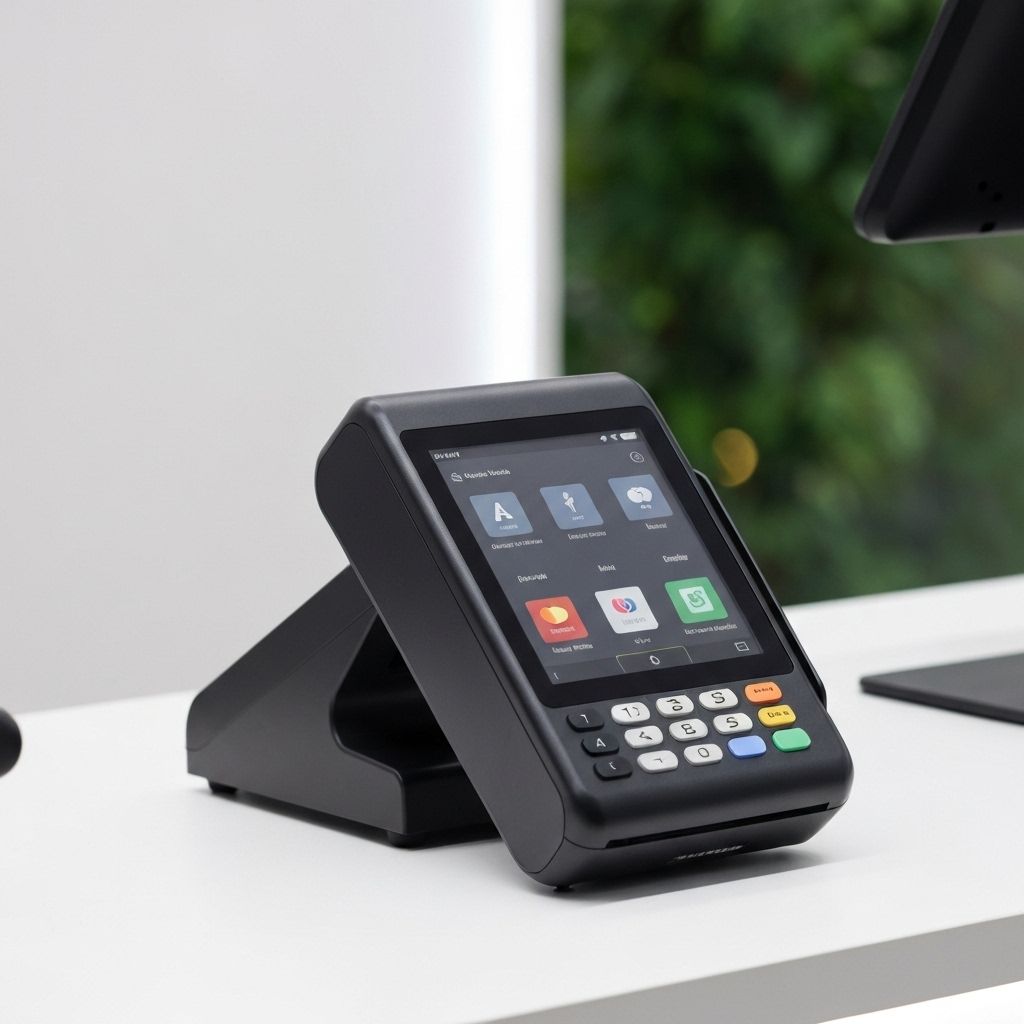
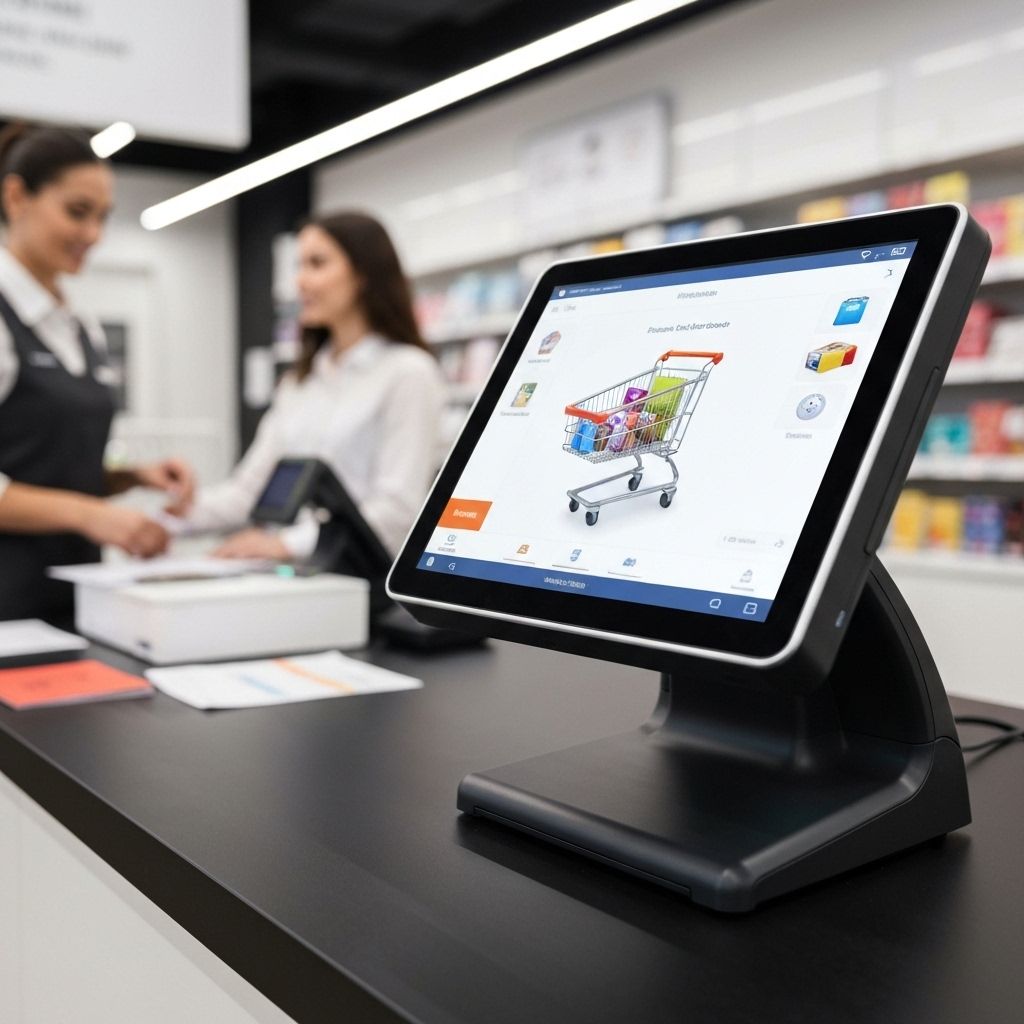
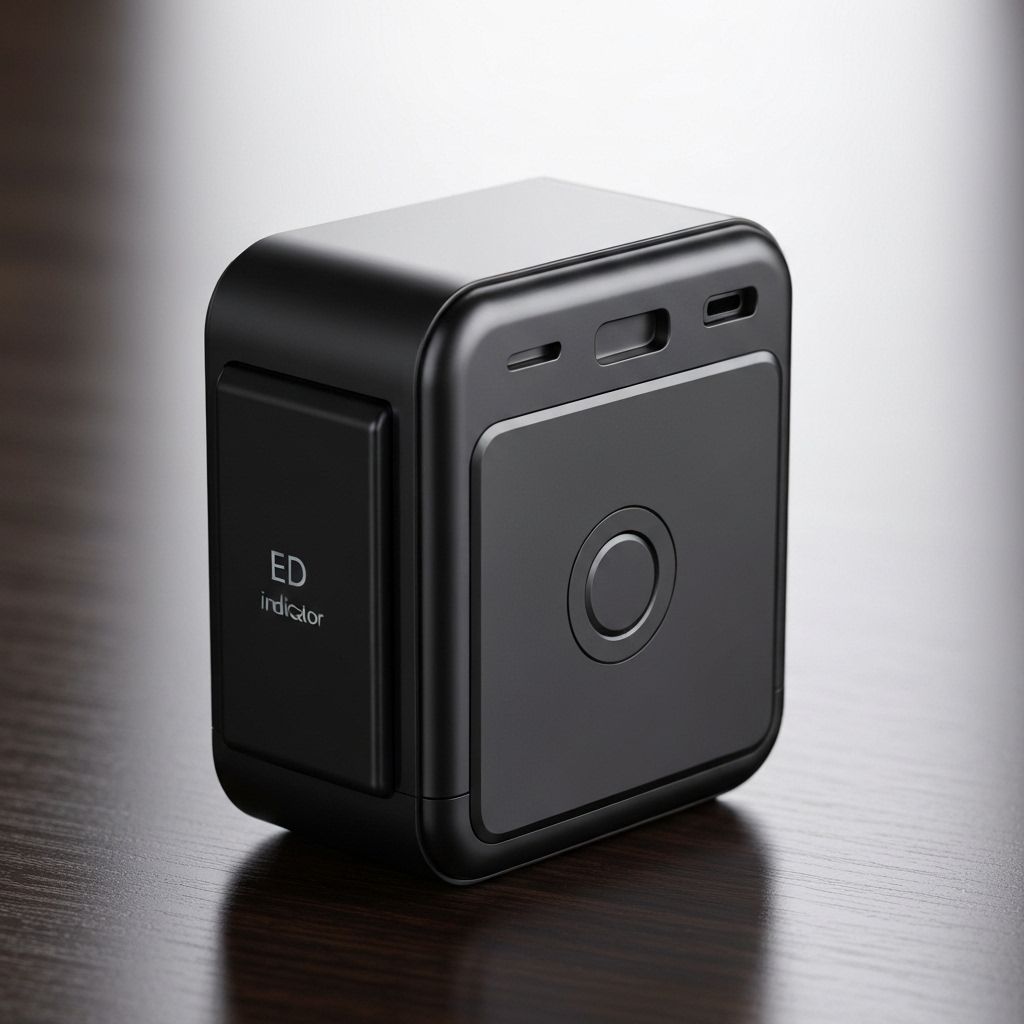
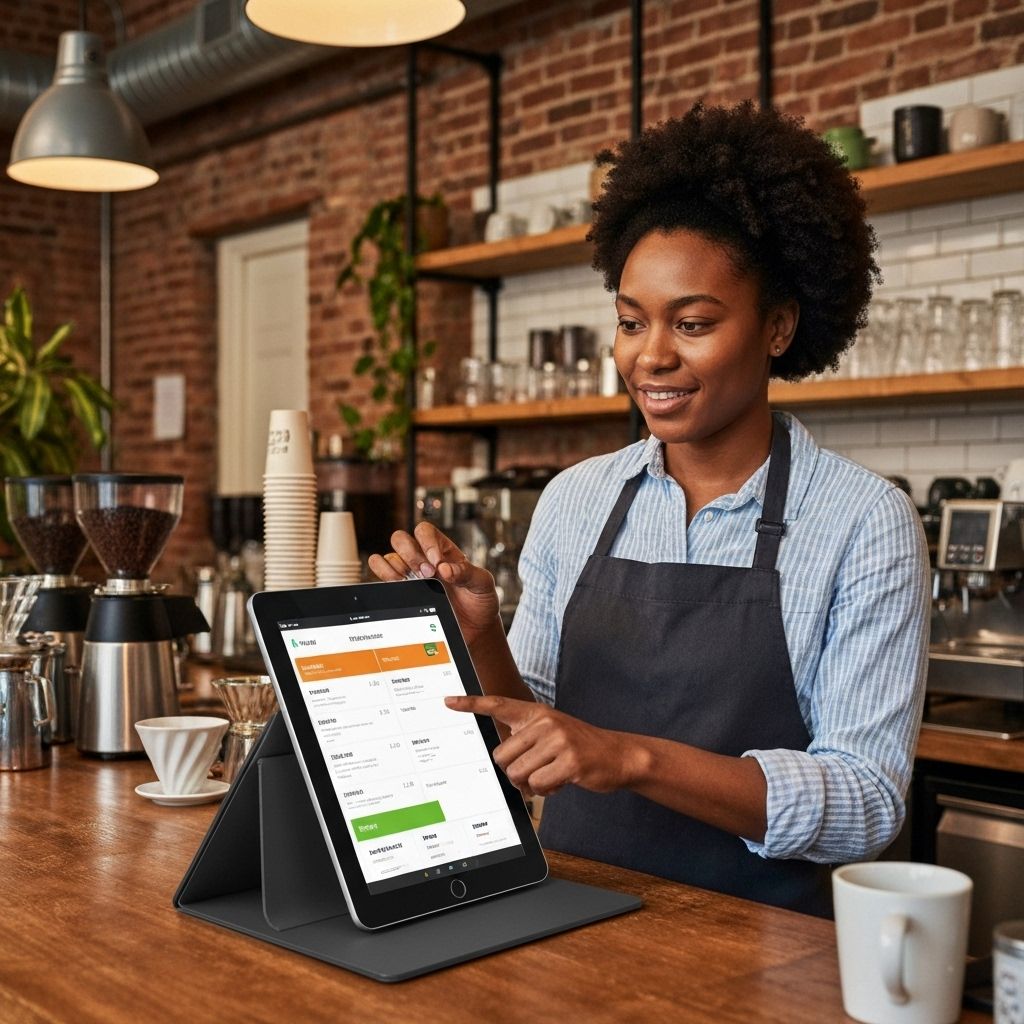
Choose Your Perfect Hardware
From countertop terminals to mobile readers, we have the right solution for your business
Seamless Integrations
Connect with the tools you already use to run your business
E-commerce
Shopify, WooCommerce, Magento
Accounting
QuickBooks, Xero, FreshBooks
CRM
Salesforce, HubSpot, Mailchimp
More Tools
Integrations via a single API
Built for Every Industry
Customized solutions for your specific business needs
Retail
Inventory management, customer loyalty programs, and multi-location support
Restaurants
Table management, kitchen display systems, and online ordering integration
Healthcare
HIPAA compliant, appointment scheduling, and insurance billing
Beauty & Wellness
Booking management, customer profiles, and membership programs
Professional Services
Time tracking, invoicing, and project management tools
E-commerce
Online and in-store sales sync, shipping integration, and returns management
Choosing a POS system: online vs. in-person payment processing
A point-of-sale system records every in-person sale, takes payment, updates inventory and feeds your reporting. The right POS for your business depends on your store format, your volume and whether you also sell online.
Everpay offers terminals and software for counter, tablet and mobile selling, tied to the same platform as your online payments.
What is the difference between in-person and online payment processing?
In-person payments are card-present. The card is read by chip or contactless tap, which gives the issuer cryptographic proof that the physical card or device was used. Online payments are card-not-present, so they rely on tokenization, authentication such as 3D Secure and fraud scoring instead.
The result is that risk, cost and dispute handling differ by channel. Card-not-present transactions typically carry higher fraud risk and often higher fees, though pricing depends on your agreement. If you sell in both channels, using one platform keeps reporting, refunds and customer records consistent. Read online vs in-person payment processing for a deeper comparison.
How do EMV, contactless and offline mode work on a terminal?
EMV chip cards generate a unique cryptogram for each transaction, which makes counterfeit card fraud harder than with magnetic stripes. Contactless uses the same principle over a short-range tap, and mobile wallets add device authentication and tokenized card data, so the real card number is not shared with the terminal.
Offline mode lets some terminals store transactions when the network is down and submit them later. This is useful but carries risk, because the authorization happens after the customer has left. Vendors typically set limits on how many offline sales or what amount can be stored. Ask what those limits are, who is responsible if a stored sale is declined and how long a terminal can stay offline.
What should a POS connect to for inventory and reporting?
A POS is more useful when it feeds the rest of the business. Inventory counts should update as sales happen, reports should break down sales by product, location, staff member and payment type, and exports should work with your accounting tool. Without those links, staff re-enter data and errors creep in.
Before choosing, list what the POS must connect to: ecommerce platform, accounting software, loyalty tools and any industry-specific software. Check whether integrations are built in or require third parties, and what each costs. The integrations directory lists connections Everpay supports, and our POS buyer's guide lists the questions to ask vendors.
- Hardware cost, software fees and processing rates, listed separately.
- Contract length, early termination and equipment return terms.
- Offline limits and the process for replacing a faulty terminal.
- How in-store and online refunds, stock and customer data stay in sync.
What a modern POS includes
Terminals or tablets, a sales screen, card acceptance for chip, tap and wallets, inventory, staff permissions and reporting.
Online vs. in-person payment processing
In-person payments are card-present and generally lower risk, while online payments need extra authentication and fraud screening. A single platform lets you compare both. See how processing works.
What to ask vendors
Ask about hardware cost, software fees, processing rates, offline mode, integrations and contract terms. Our retail POS buyer's guide has the full checklist.
Go omnichannel
Connect store and web sales for shared inventory and customer data with unified commerce.
Use cases
- Counter checkout for retail and cafes.
- Tableside payments and tips for restaurants.
- Mobile readers for markets, pop-ups and deliveries.
- Multi-location reporting with one dashboard.
Industries served
- Retail
- Restaurants
- Cafes
- Salons
- Pop-up markets
- Services
- Grocery